
VectorStudio
A small desktop vector editor for Linux that keeps your work on your machine.
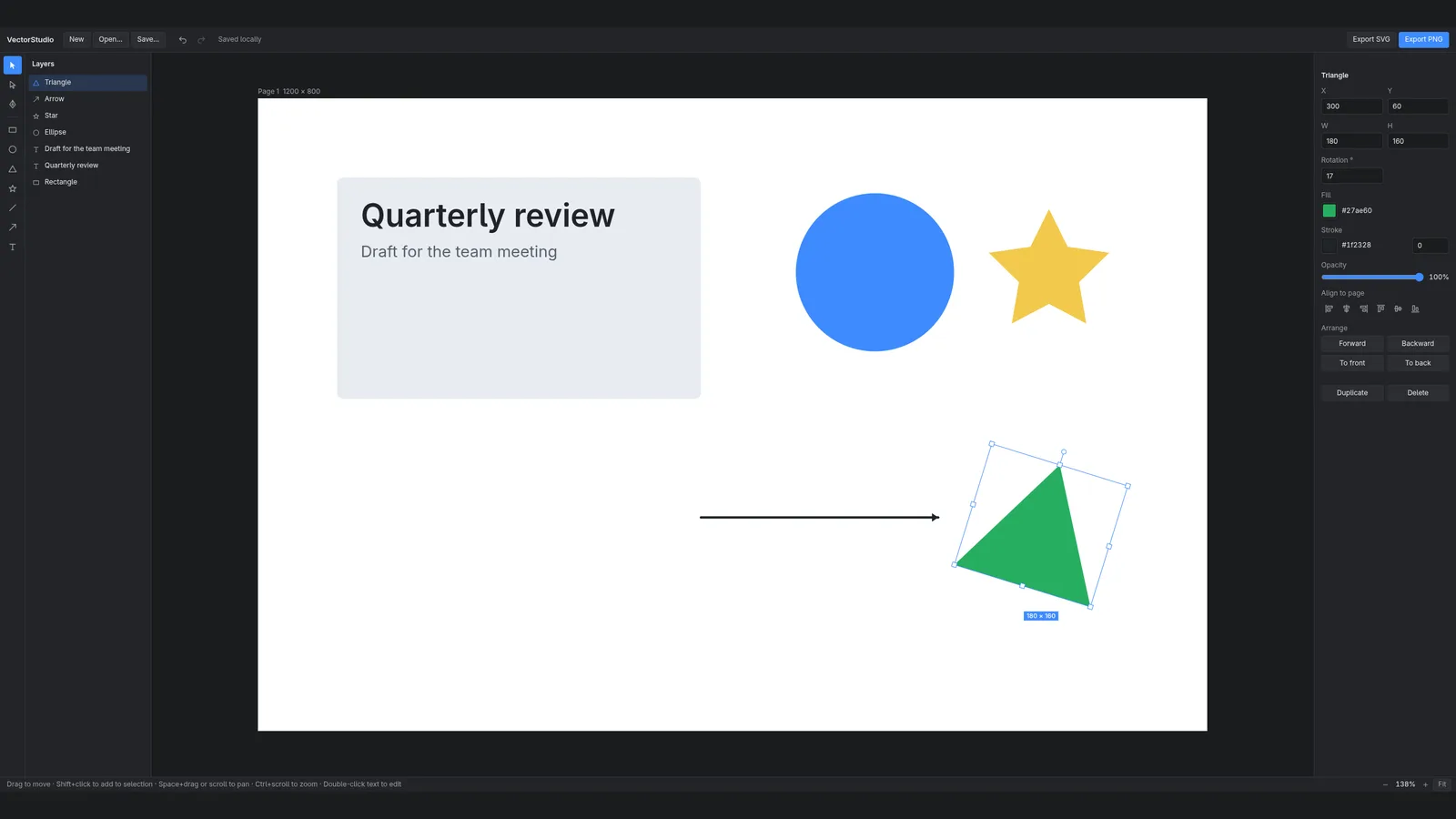
Shapes, text and a Bézier pen on one page, with layers, a properties panel and undo for every edit. Opens existing SVG files as editable layers and exports SVG and PNG that match the page you drew. Runs natively on Wayland; no account, no network requests.
- Rectangle, ellipse, triangle, star, line, arrow and text: pick a tool, click to place
- Bézier pen with point and handle editing
- Layers and properties panel: position, size, rotation, fill, stroke, opacity, align, order
- SVG export that keeps rotation, corner radius and text; PNG at 2× of the page only
- Opens existing SVG files as editable layers: shapes, paths with holes, text, groups, transforms and gradients
- Autosave on your machine, plus Open, Save and Save as for .json design files; Save writes back to the open file
- Platform
- Linux x86_64
- Version
- v0.3.0
- Shipped
- 22 Oct 2026
- Download
- .AppImage 123.4 MB
Opens the GitHub release page: release notes, checksums and the download.
Linux chmod +x the AppImage, then run it. AppImages need FUSE 2 (fuse2 on Arch); without it, run with APPIMAGE_EXTRACT_AND_RUN=1.
Verify the download
- VectorStudio-0.3.0-x86_64.AppImage
a93f0afb744ac95abd66e9a7e4e8e444fa2411b7e783f059c2a1ccb8dee133df
Check with sha256sum <file> on Linux or shasum -a 256 <file> on macOS.
 next appAI Rules Builder